
OpenCart
OpenCart Module for UK Address Search and Validation
Features
- Adds UK address search and validation to address forms
- User billing address
- User shipping address
- User address book
- Allows for the following address selection modes:
- Address search and validation enabled for countries covered by Postcode Address File
- Hides address search for non-UK territories
- Asynchronously performs checks if key is active and usable
- Checks if your API Key is currently usable before presenting your users with address search fields
- Allows regular address entry if, for example, your key runs out of balance or there is an accidental misconfiguration
- Option populate company name based on address
If you need support, you can reach out to us on our support page.
Screenshots
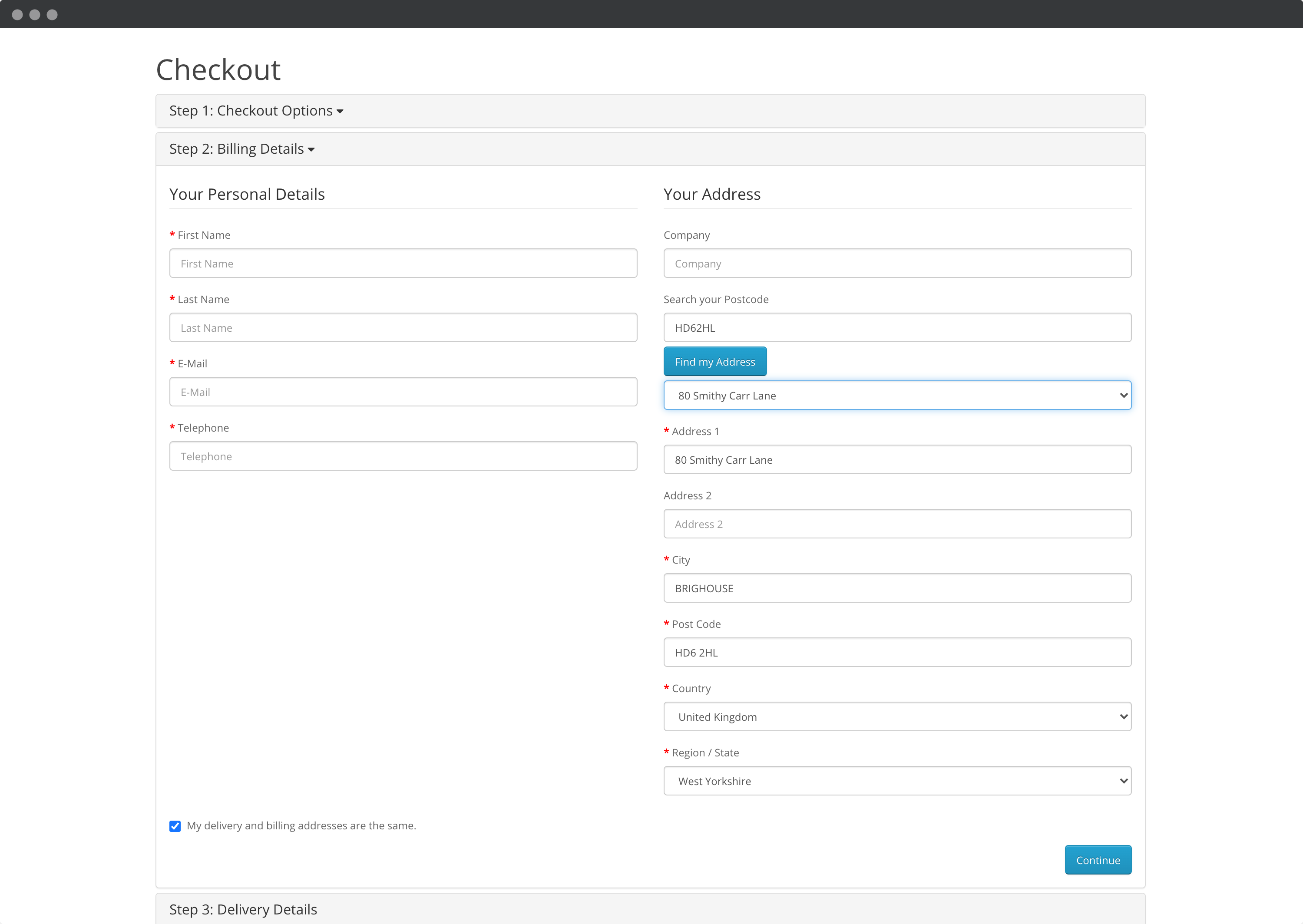
Postcode Lookup
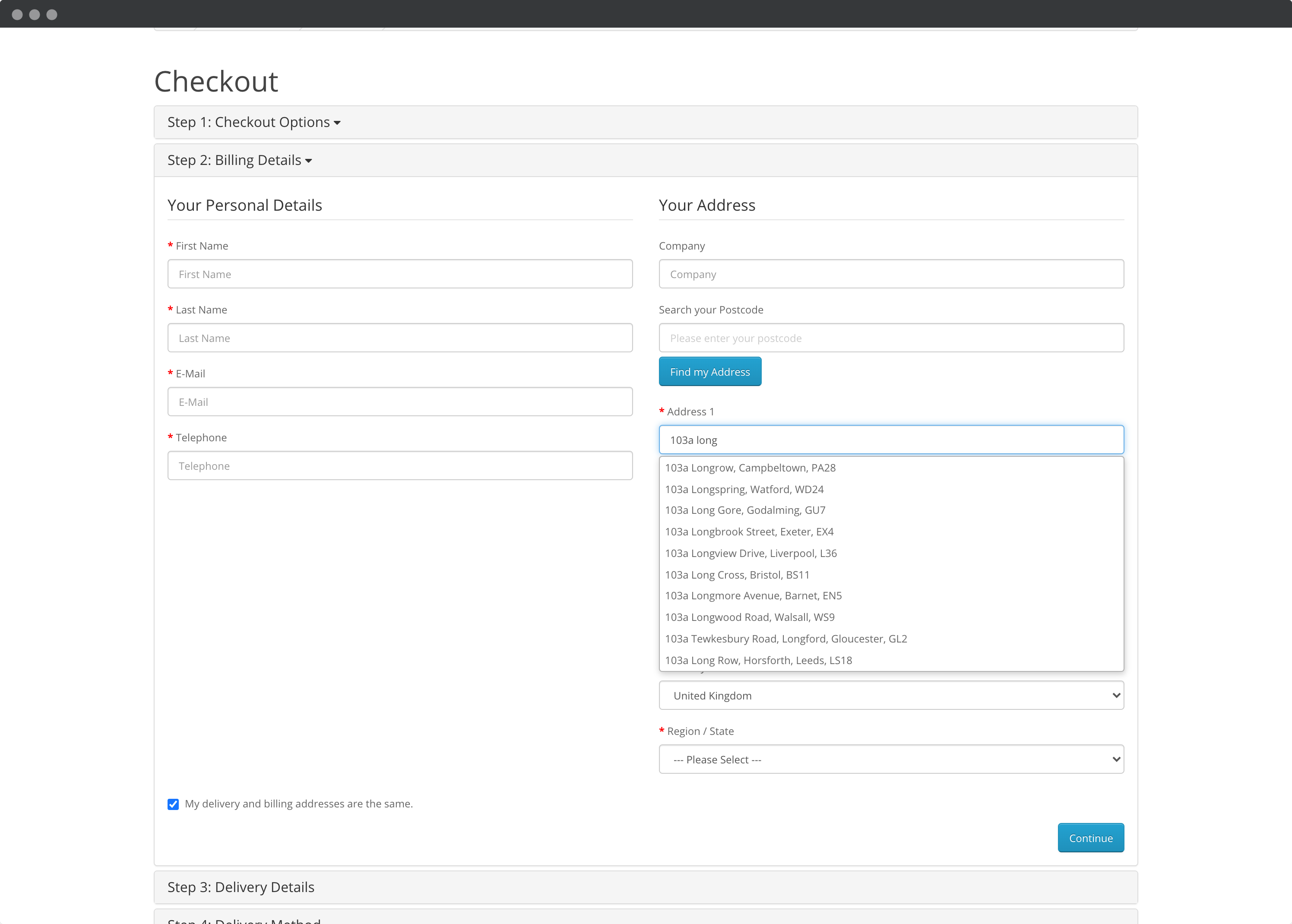
Address Lookup
Setup
Installation
1. Download the Latest Release
The latest release can be found on our GitHub releases page.
Download the file labeled AddressZen OpenCart Module x.x.x.
2. Upload the Zip File
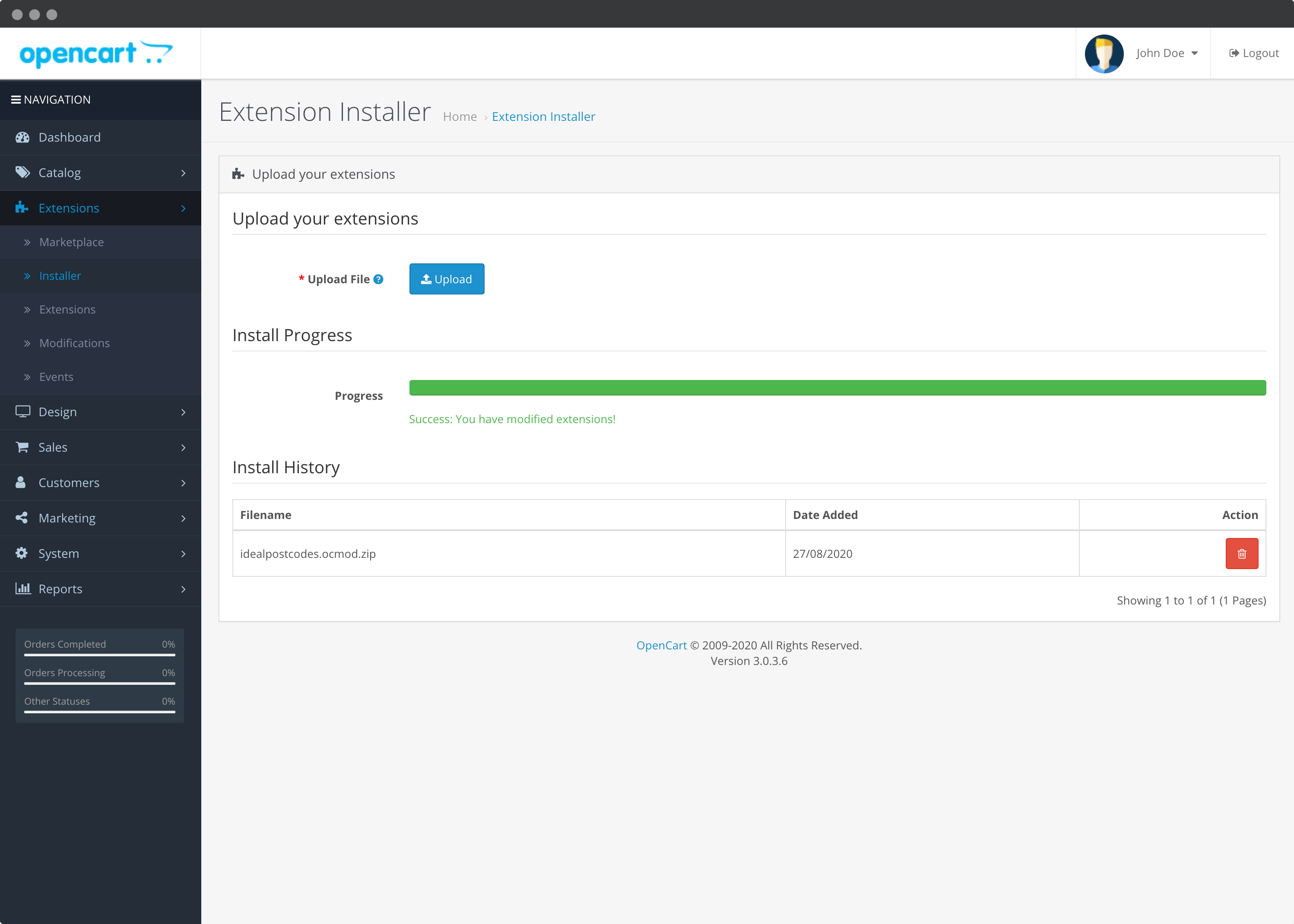
From the Extension Installer page, upload the zip file downloaded from (1).
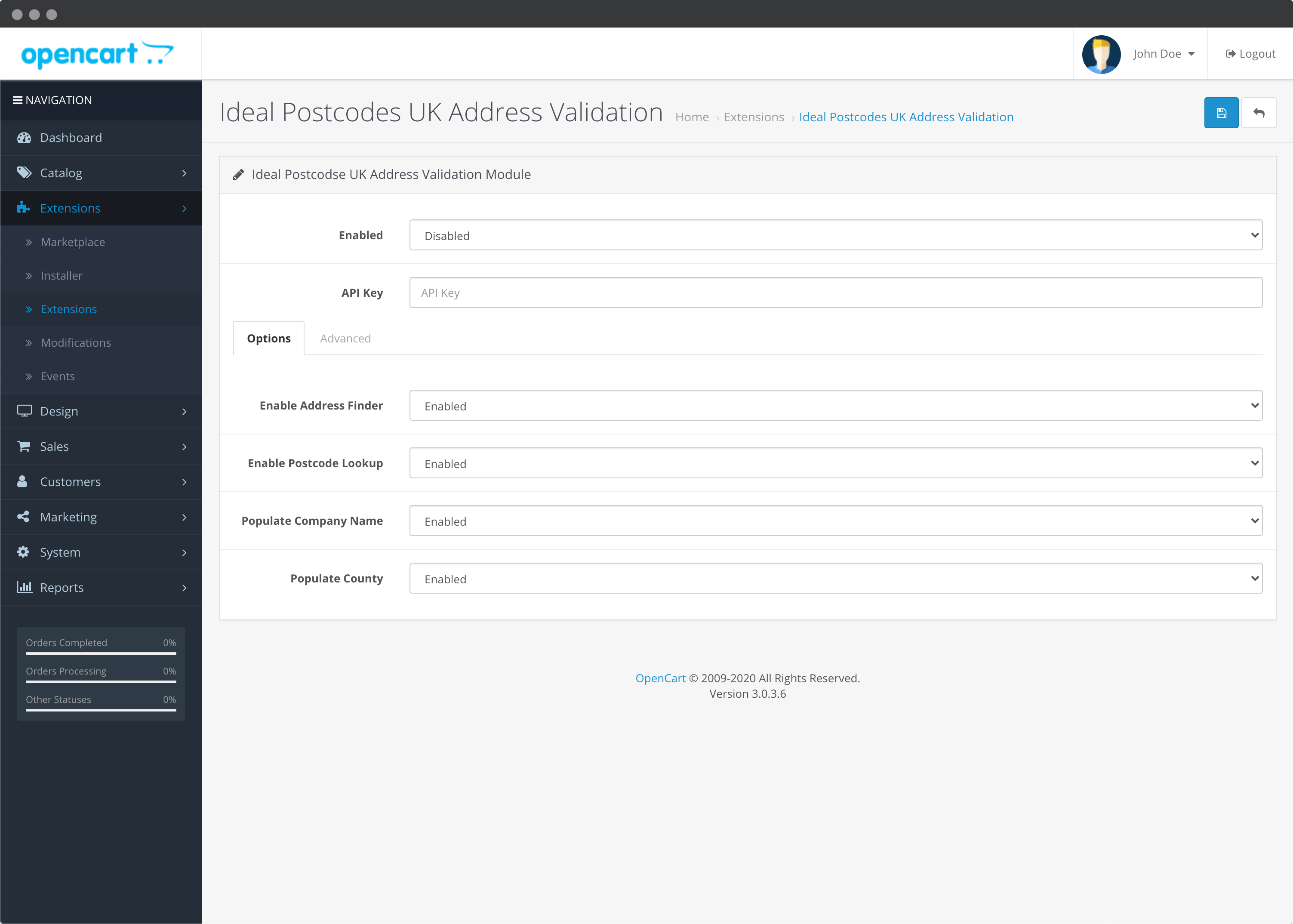
3. Enable and Configure the Extension
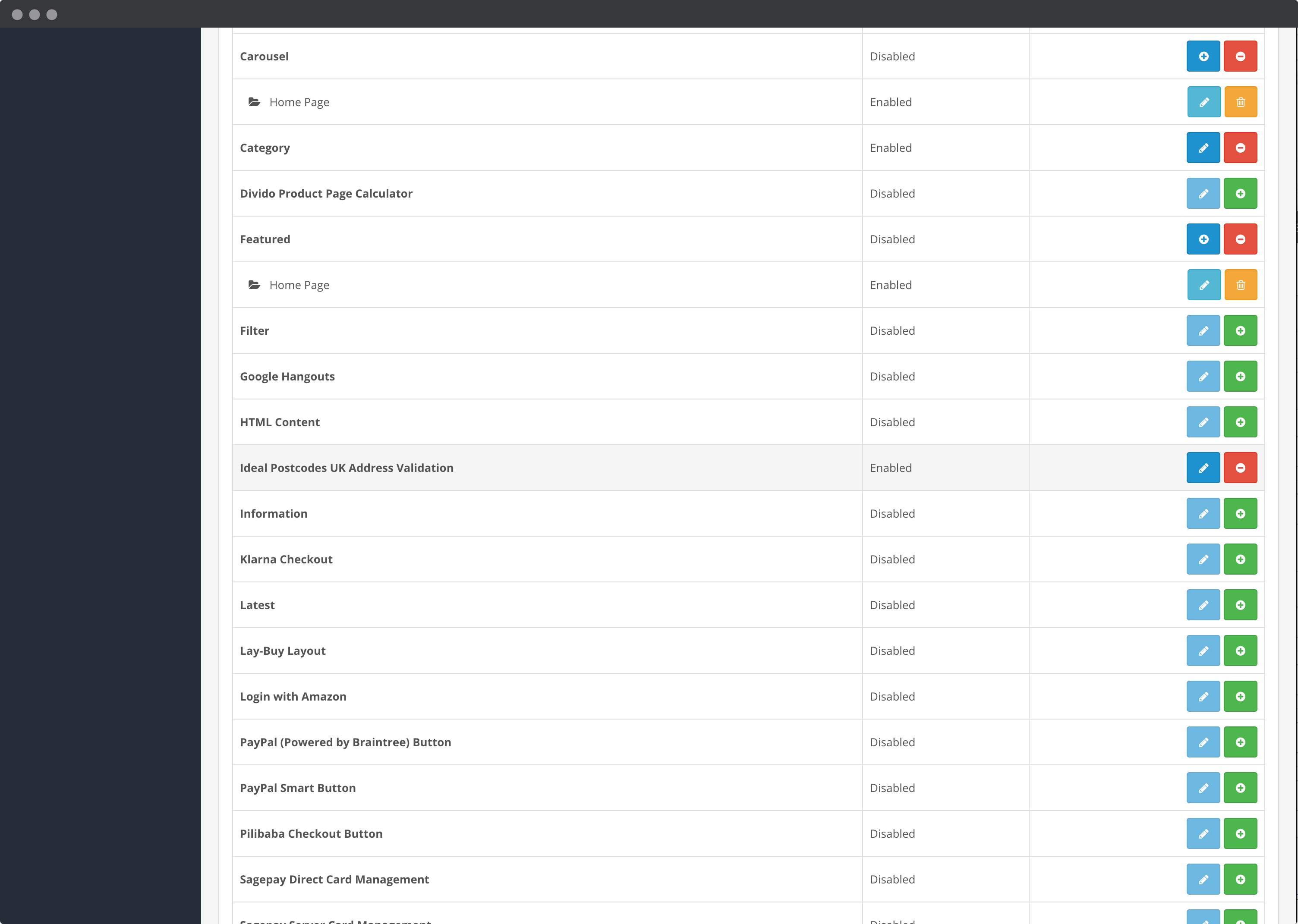
From the Extensions page, select "Module" and scroll down to "AddressZen UK Address Validation".
Click to install and configure. See the Configuration section below for more information.
4. Enable the extension on your checkout and account pages
At the very least, you will need to add your API Key and set the Enabled field to Enabled.
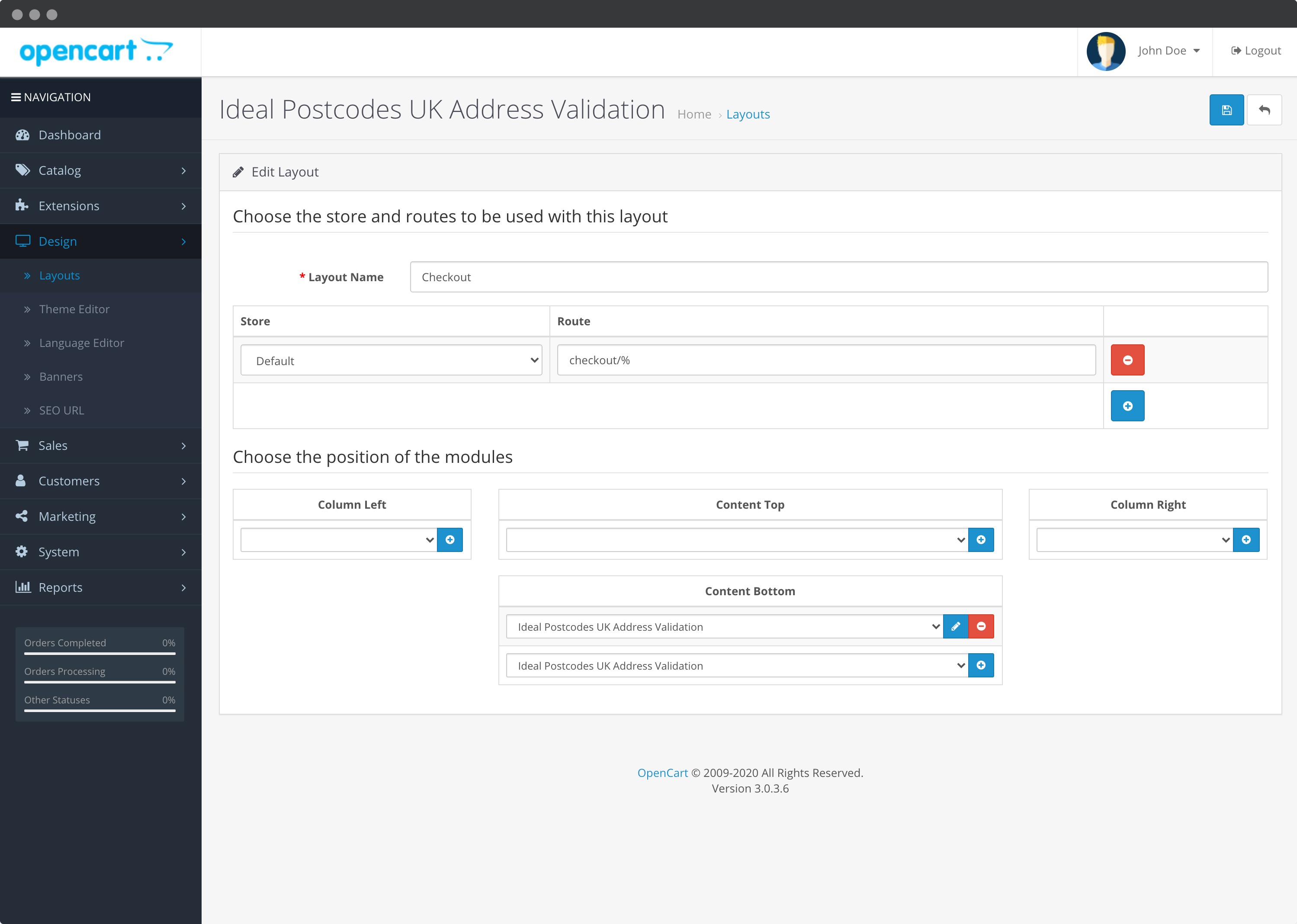
5. Add AddressZen to your layouts
You will need to add the module code to your Checkout and Account layouts to enable UK address validation on both the checkout and user addressbook page.
Click on the Content Bottom dropdown, select AddressZen UK Address Validation and click the save button on the top right. You will need to repeat this on both the Checkout and Account layouts.
Configuration
After installation is complete you will need to apply your API Key from your AddressZen account and enable the extension.
Our guide on creating an AddressZen account and enabling automated top-ups outlines this process.
Configuration Options
Required
Enabled
Enable or disable extension altogether.
API Key
The API Key is required to verify your account for address validation. This can be found on your account dashboard on addresszen.com.
Optional
Enable Address Lookup
This will enable Address Lookup on the first address line on your address forms.
Enable Populate Organization
Fill the Company field based on selected address. Enabling this will ensure that the organization name in your form is populated by the organization name present at the address selected by the user (if one exists).
Enable County
This will populate the region field with the county name. County data is no longer used in the UK to identify a premise. However, this can be disabled if you prefer. The user will be required to manually select their region.
Advanced
Postcode Lookup Configuration Override
This is an advanced setting which overrides the JavaScript initialization code. Leave as {}. Invalid inputs will cause the integration to break.
Address Lookup Configuration Override
This is an advanced setting which overrides the JavaScript initialization code. Leave as {}. Invalid inputs will cause the integration to break.